
Vetstoria Q2 Platform Update: New Client Form, Floating Button, and More
TL: DR Pet owners find it challenging to locate your appointment booking tool? Admins spending too much gathering new client details in the midst of answering a million phone calls? We’ve solved all of these with our new client form and the floating button. Get in touch with our team if you want help setting them up. Our product expert James Cooke explains it all in our webinar here.
Paws up if you want good news!
We shipped a lot of exciting features last quarter that we wanted to share with you. Missed our updates? No problem.
Introducing the all-new Floating Button
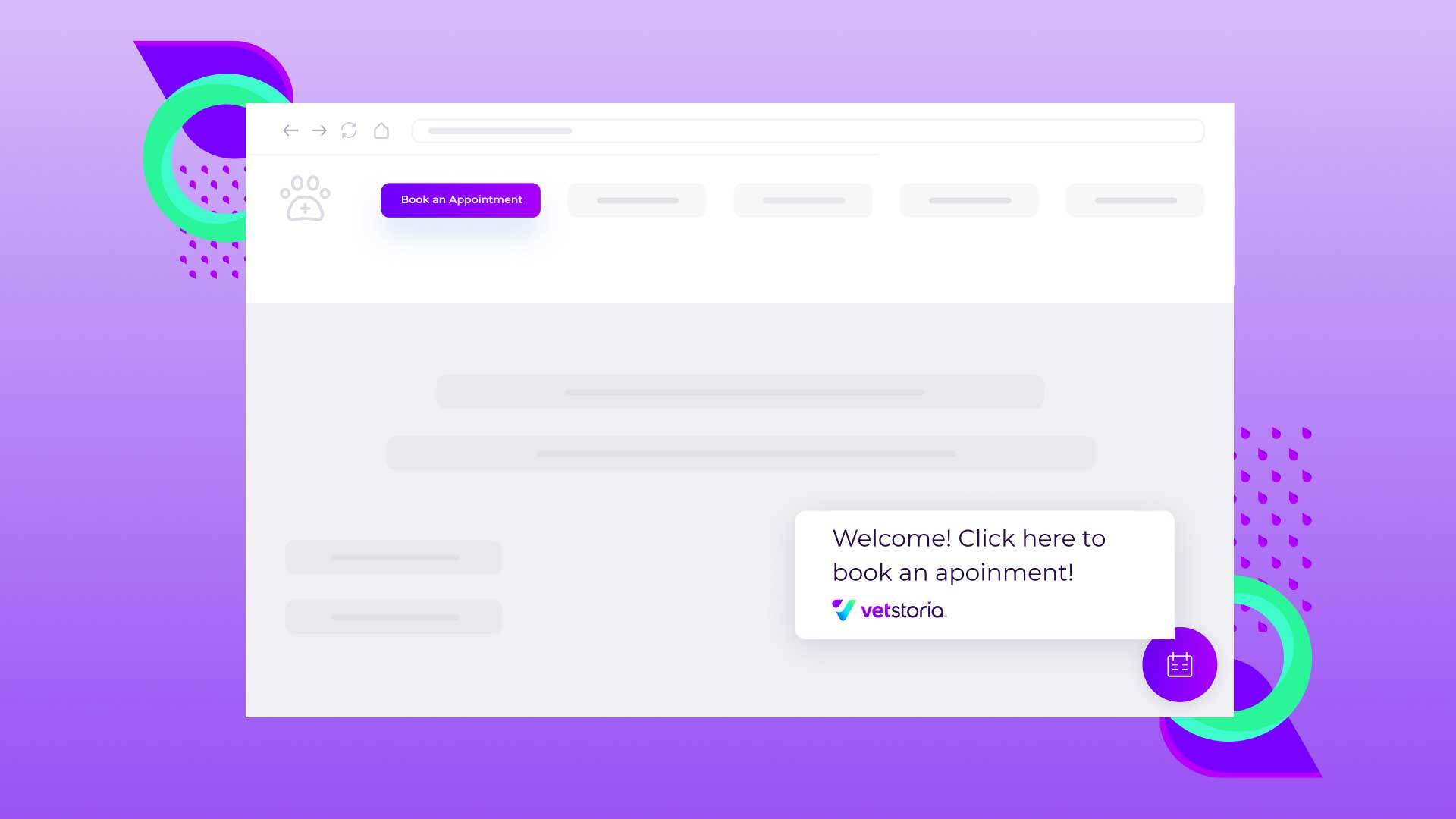
Get more clients to your practice by enabling pet owners to locate your appointment booking tool quickly.
With our floating button, you can now add a tool to your website, so as soon as pet owners land on your page - they will be able to locate it quickly.
You only need to enable this on the dashboard and embed the code, and you’re good to go.
If you’re a part of a veterinary practice group, the floating button can be added to multiple practices on a single account, making the implementation smooth.
Veterinary practices that have adopted the feature have seen an average increase of 20% in appointments booked online. Additionally, these practices have noticed a 15% increase in new pet owners and a 13% increase in appointments booked outside of practice opening hours.
The Vetstoria New Client Form
We’re picturing your admin team having to make a follow-up phone call EVERY TIME a new pet owner books an appointment. And these days, we’re guessing the numbers have skyrocketed (Households in UK 'buy 3.2 million pets in lockdown', 2021). Or they might be redirected to a 3rd party form which can still be inconvenient.
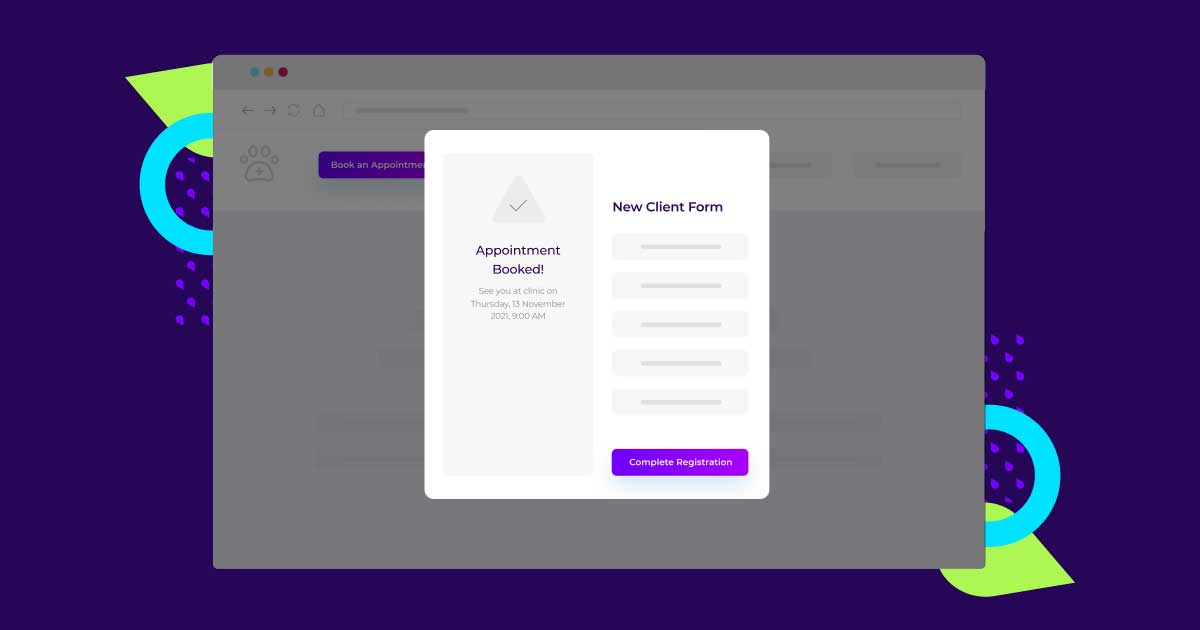
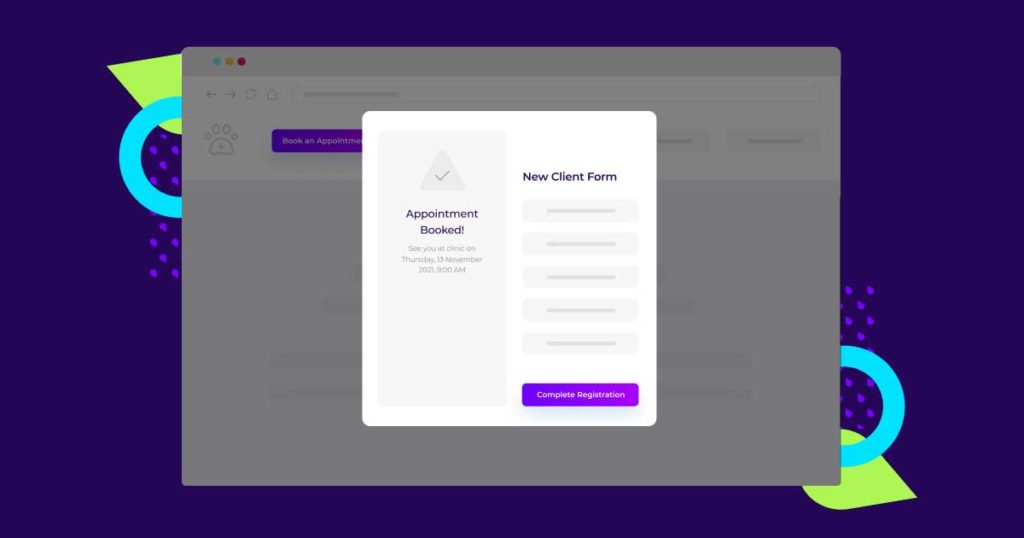
With the new client form, new pet owners can easily select the new client option and proceed with the booking, and the form to fill in additional details will appear after making the appointment.
Best of all - the details will be emailed to you, eliminating the need to make an extra call.
Upcoming PIMS integrations with RoboVet®
Vetstoria currently integrates with 26 veterinary practice management systems - more than any other veterinary platform. The latest integration to be released is with RoboVet® - providing seamless integration for veterinary practices using RoboVet® as their practice management system.
The integration works by syncing appointment data between Vetstoria and RoboVet® in real-time, with live appointment availability displayed on the practice website. Appointments booked on the website instantly populate on the RoboVet® calendar with no manual intervention needed. True automation, no double bookings.

New Feature Alert: Reduce Veterinary Admin Time With Our “New Client Form”
Since the start of the pandemic, a total of 3.2 million households in the UK have adopted a pet (the equivalent of 640 additional pets per practice in the UK). With similar trends seen across the globe, that’s a major increase in pet ownership!
So, of course, your veterinary practice could be inundated with more bookings and phone calls. And that’s exactly what a platform like Vetstoria helps you with - reduce admin time by automating the appointment booking process.
But when it comes to your new clients, how do you capture their information? You may require them to fill out a paper form when they enter your practice for the first time, send a form via email that they fill in and send back, or worse, you call them to gather information before their first visit.
This adds to the volume of phone calls or emails your team already deals with. And it also makes the pet owner's first experience with your practice less enjoyable.
With Vetstoria’s latest feature - our New Client Form, you can automatically gather new client details during the appointment booking process.
An Automated Veterinary New Client Form
We’re excited to announce our latest feature that we are of no doubt will help reduce admin time for admins and enable a seamless experience for new clients that book appointments with your practice.
With the New Client Form, new pet owners can enter information about themselves and their pets during their initial appointment booking with your practice. This eliminates the need to call the pet owner to gain information.
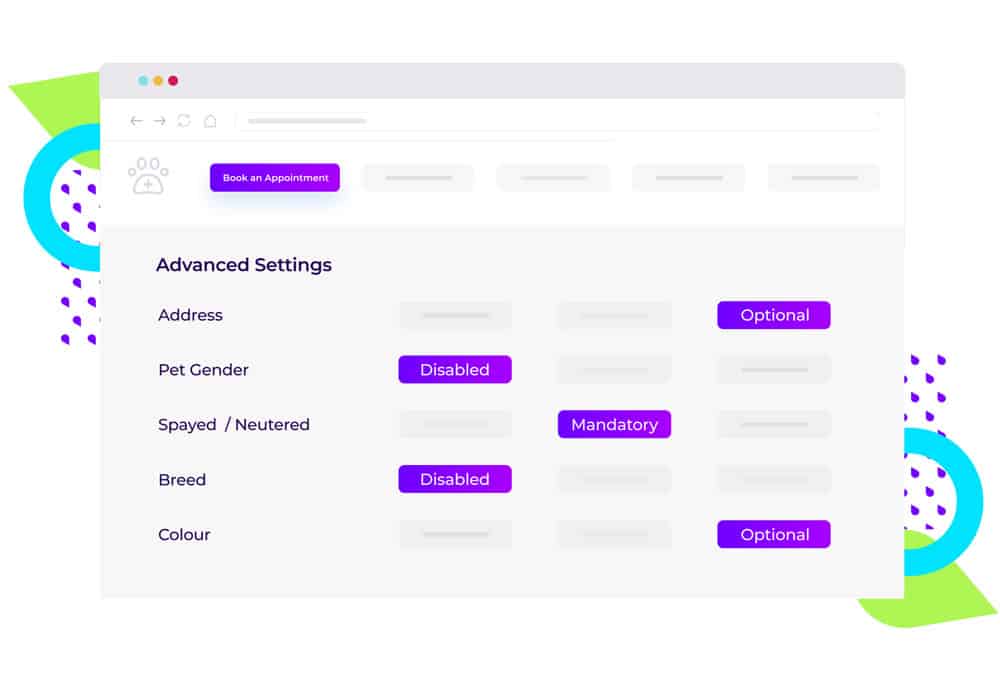
The information required is completely up to you. Fields are configurable, ranging from the new client’s address to patient info, including name, species, breed, color, age, and more. All you need to do is navigate to “advanced settings” within the Vetstoria platform, enable the toggle to enter new client information and choose the fields you require. Then watch the information roll in (automatically!).
Why Use The Vetstoria New Client Form?
While the benefit of this feature is self-explanatory, here’s how Vetstoria can add value to your workflow with the new client form:
⚫ Saves time in gathering new client information
Once new clients enter their information, your team will receive an email with the details to update profiles accordingly.
⚫ Easy to set it up and configure
All it takes is enabling the toggle and choosing the fields you want the new pet owner to enter.
⚫ Increased bookings due to seamless experience for new clients
No interruption or mandatory forms to fill at the beginning of the booking process. The pet owner will only be prompted to share additional information after booking the appointment, which keeps the whole process seamless and easy.
Say goodbye to time-consuming paperwork and hello to efficiency! To witness the transformative power of Vetstoria firsthand, schedule a personalized demo now.
New Feature Alert: Easy Booking With the Vetstoria Floating Button
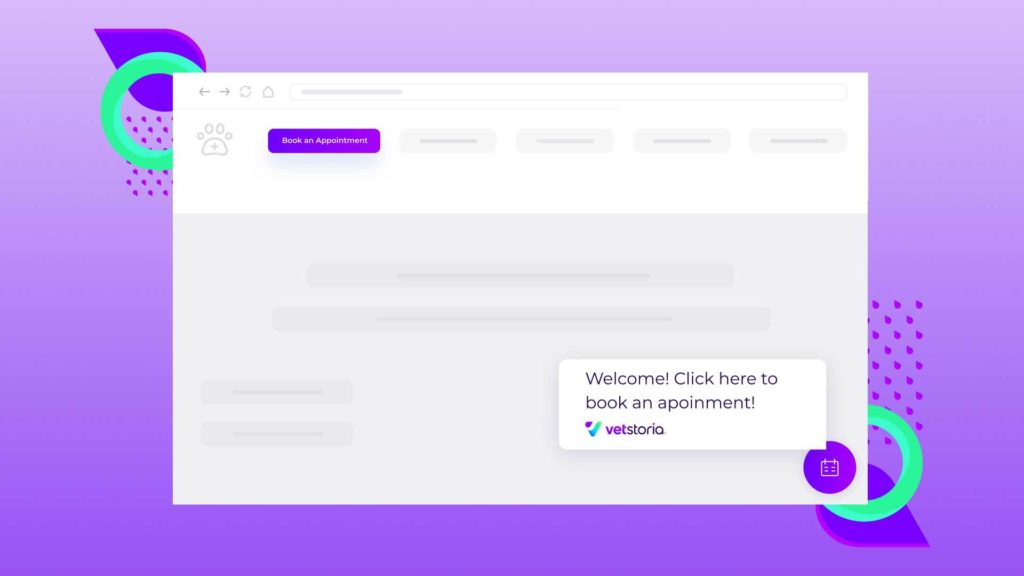
Want to make booking easy for pet parents? We’re excited to announce our new “Floating Button” that helps to enable faster booking. We want to ensure your website is optimized for more online bookings by making it easier for pet parents to find the appointment booking widget on your website - and our latest feature does just that!
What is the Floating Button?
With Vetstoria’s new Floating Button, you can enable the appointment booking tool to appear as a pop-up on your website, so it can be accessed by users quickly and easily. The button will help to launch the booking tool from any page of the website, improving user experience and increasing conversion rates.
What does it look like?
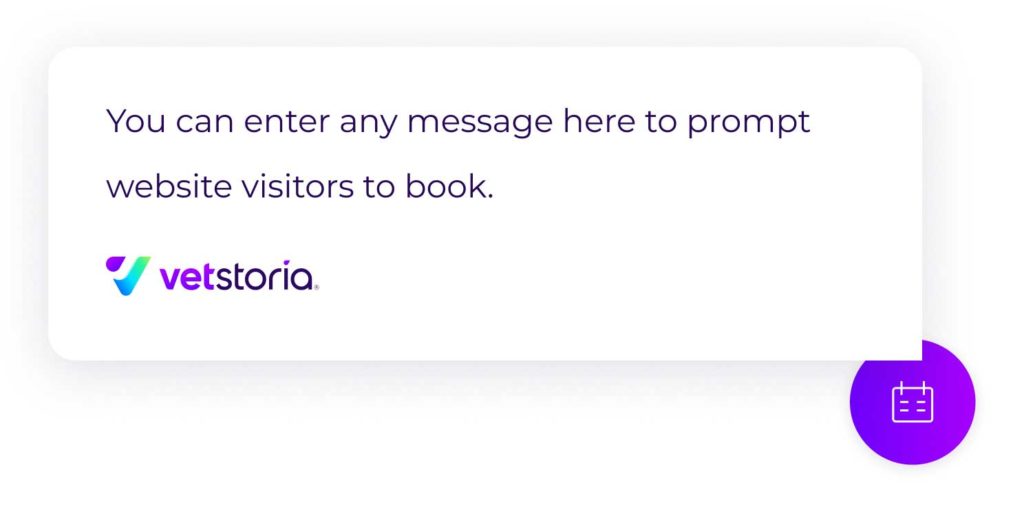
The Floating Button includes a speech bubble that delivers a customizable message to prompt the web visitor to engage with your online booking widget, grabbing the attention of visitors while they navigate the clinic website. The size and color of the button can be configured so it aligns with the clinic’s branding.
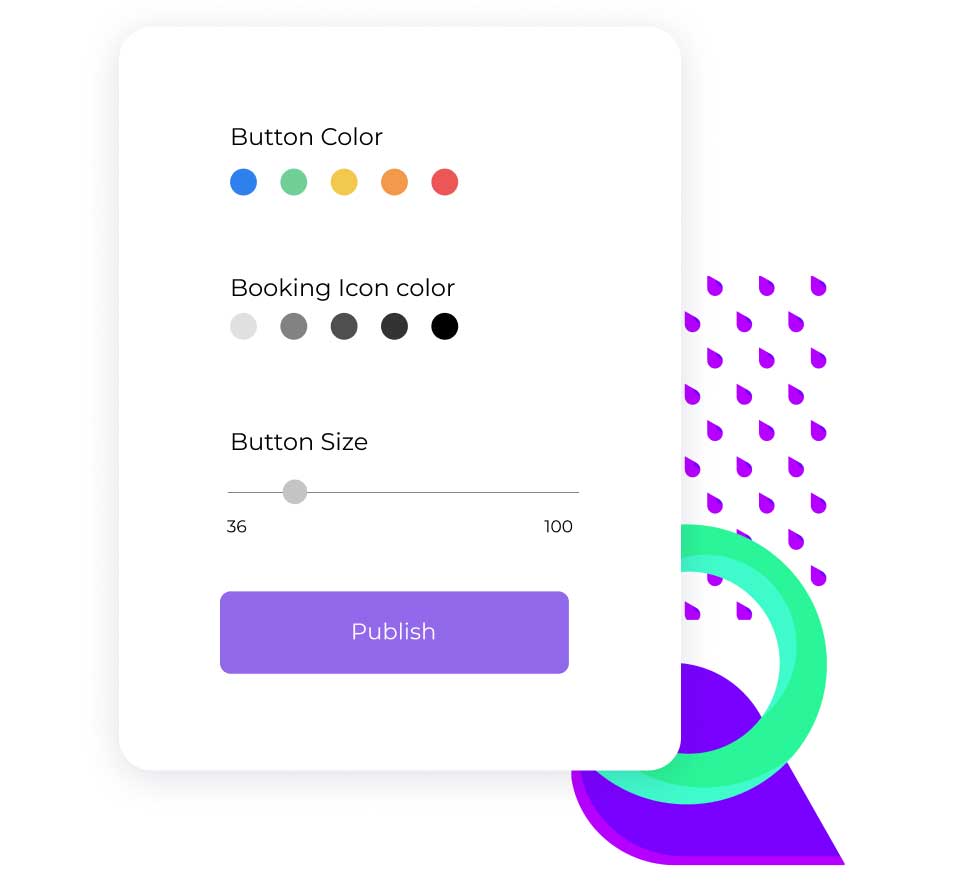
The icon of the button is an “appointment calendar” to show its function and also can be configured based on the branding of the clinic. This would appear as a pop-up that would launch the booking tool.
Why add the floating booking button?
⚫ Easy to set up the button without major configurations within the booking widget
⚫ More bookings and conversions with improved user experience; easy to find and access the appointment booking tool
⚫ Easy to install on your website with a simple code snippet

7 Features Your Appointment Scheduling Software Must Have
Having a successful appointment scheduling service can make all the difference for your clinic and add thousands in revenue every year. So we’ve decided to share with you the key features to look for in your online booking system to make sure it offers everything you need to boost your appointments.
1. Real-time online booking
This will be the core product you’re subscribing to, allowing customers to make appointments online. Real-time online booking would mean pet owners get instant confirmation of the appointment and your staff wouldn't have to intervene as the customizations and availability are already in place. Here at Vetstoria we use a 4 step process to allow bookings to be made easily on mobile and tablet (where 60% of all online bookings are made). But there are other options on offer, so do your research into what booking style is best for you – feel free to get in touch if you have specific questions.
2. Auto sync with clinic software or schedule (Practice Management Software)
A fairly simple feature, this takes online bookings and adds them seamlessly into your practice management software calendar or diary simultaneously to ease the workload on your front desk. Vetstoria integrates with over 30 PIMS. Have a look here.
3. Fully customize to your appointment scheduling preferences
We understand that your clinic is unique and that your consultation organization could be complex. So you need a system that can be tailored to fit in with your specific requirements and website.
1. The appointment types can be configured to be breed-specific. So, puppy vaccinations will not be offered if a client selects ‘cat’.
2. Each vet can be set up with their own preferences (helpful if some vets do not see all species).
3. Allow customers to book in with a specific vet of their choice.
4. Single species consultancy windows can be set up for specialist hours (helpful if you want to run a cat-only hour for example).
4. Unlimited calendar capabilities
Your online booking system should offer unlimited calendars. This way your practice can continue to grow without you having to worry about any additional future costs.
5. Digital marketing capabilities with Vetstoria's appointment scheduling software
The Vetstoria booking process can be fully embedded within your own website. It can also be fully customized to showcase the branding of your website. Featuring an array of color and style options, we want our booking system to fit seamlessly into your website.
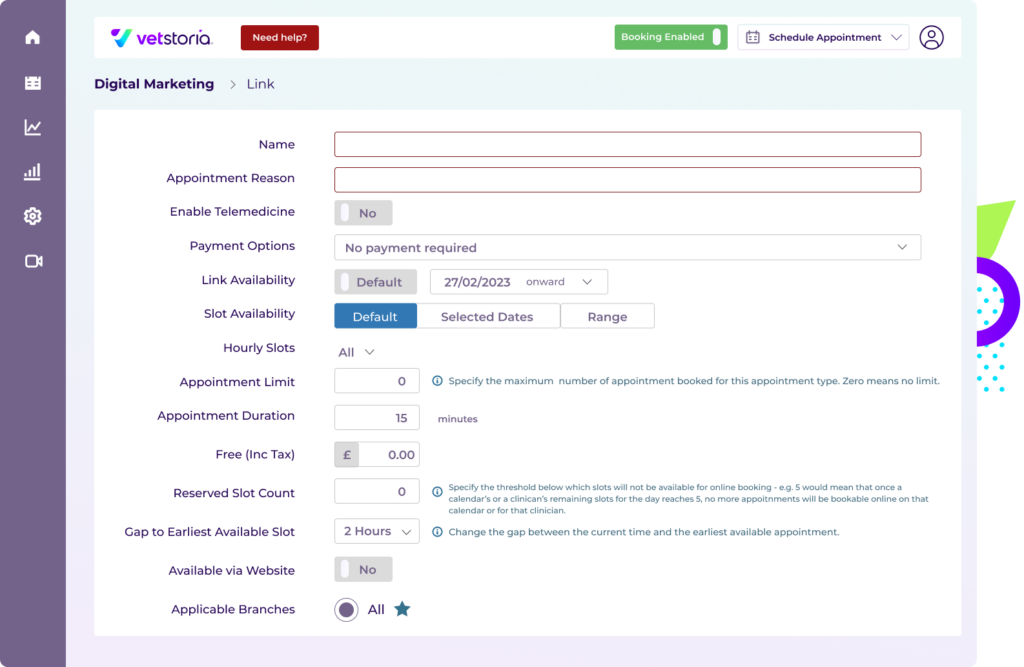
Vetstoria is implemented this way in order to boost your Google ranking, making your website more visible and therefore bringing in more revenue from google. This is unlike other online booking services which typically operate on a separate site and hosts a variety of vet practices – many of whom will be your competitors. This has the potential to drive traffic away from your site.
The best directory for your practice is Google. Ask yourself where you go to find a new service or product online? This is why you should focus on boosting your Google ranking as much as possible!
6. Rescheduling
Missed appointments lead to lost revenue. Because giving your clients the option to reschedule online decreases the number of no-shows.
It may seem like the bare minimum to be expected of your online booking provider. However, not all services offer rescheduling, and some only offer a cancellation and rebooking. Rescheduling on Vetstoria is a simple process for pet owners. This reduces the amount of missed appointments whilst also making sure your front desk doesn’t have to get involved with the rescheduling process.
7. Revenue Boosting Analytics with Vetstoria's appointment scheduling software
Using our analytics engine you will be able to see everyone that books online using our system. Most importantly we’ll show you the number of new customers coming into your practice through online appointment scheduling software. Allowing you to boost the revenue brought into your practice every month.
